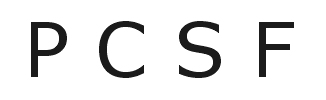
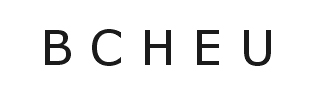
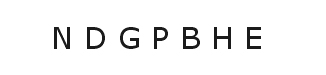
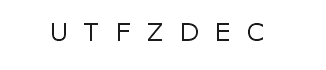
This eye test will help you get a rough idea of the quality of your vision.
Before proceeding to the test, however, it is necessary to establish the correct measuring distance. This will depend on how the letter images used for the test are displayed on your computer screen (i.e. on your monitor settings).
The individually correct distance is simple enough to establish: Use a ruler to measure the height of the following test image now on your PC screen. Then multiply that figure by 100 to calculate the correct distance
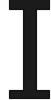
If, for example, the image on your screen is 3.2 cm high, multiplying it by 100 will result in a correct distance of 320 cm – in which case you should work through the test sitting or standing at that distance (3.2 metres) from the screen.
Start the test
- Click on continue , below, and position yourself at the calculated distance from your screen.
- Adjust the content on your screen to allow you to see all six rows of images simultaneously.
- If you wear distance glasses, put them on.
- First cover your left eye with your hand (rather than shutting that eye) and use your right eye to read the letters.
- Note the last row of letters which you can easily identify or ask someone to check it.
- Repeat the procedure using your left eye and, again, note the last row of letters you can easily identify.
- Finally, do the test with both eyes together.
- Then click on the eye icon in the last row you were able to easily identify with your best eye and read the result.
(If, for example, you were able to read the 2nd row well with your right eye and the 5th row with your left eye, then click on the eye icon in the 5th row.)